Documentation How-to Guides

Choose Your Own Topic

This guide explains how to talk about a memory that might not be covered in our curated topics.

This guide explains how to talk about a memory that might not be covered in our curated topics.

Topics are curated experiences that let you focus on a specific thing. But sometimes you might not see a topic you want, or you just want to freestyle and talk about any memory. For that, we have "Freestyle Mode."

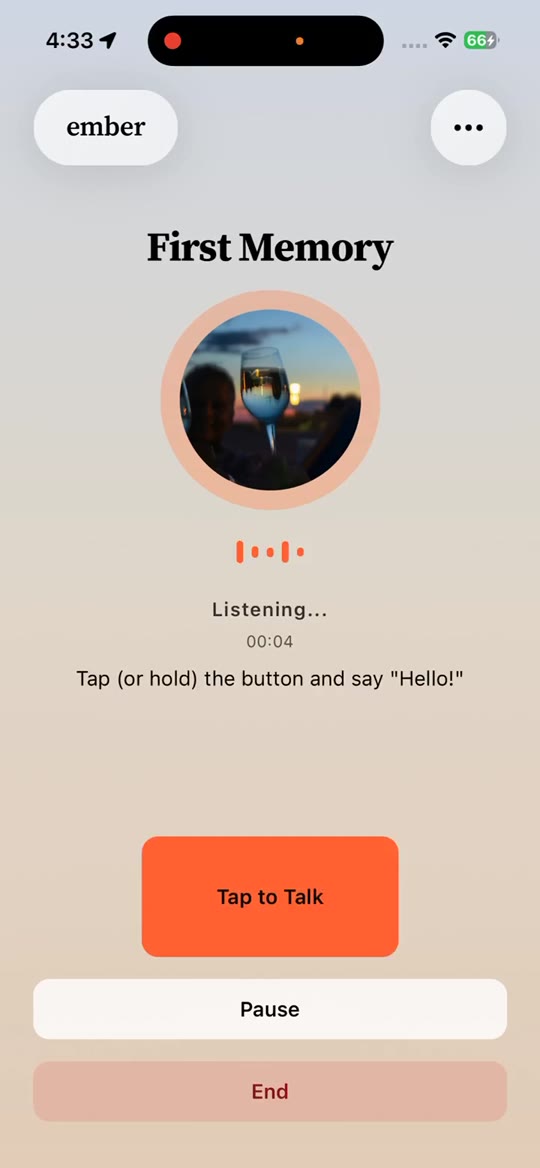
To start a freestyle conversation, go to the Talk page. You'll see cards you can browse by swiping left or right. Some of these are pending invitations to topics sent by others or assigned by you - those will have badges in the top left. Freestyle topics don't have badges and typically have the word "Ember" in the title.

We have different freestyle styles you can choose from: "Biographer" if you're feeling like a historian, "Roast Me" if you want to talk about a cringe memory, and "Hype" if you want a best friend who can hype you up.

Choose one of these to start a freestyle conversation. At the end, when you save the memory, fill out the title, the era, and the theme. The memory will save into your collection as a custom Topic.