Documentation How-to Guides

Saving & Organizing Memories

Learn how to save & organize your memories.

This guide covers how to save your memory and manage its privacy and visibility.

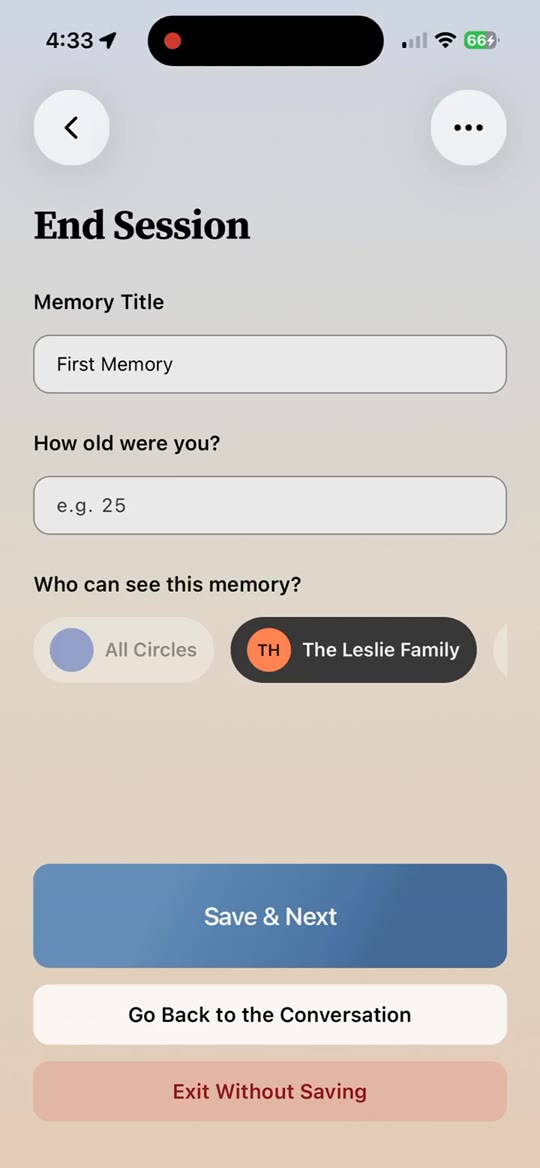
When you start recording a conversation, you'll see a dropdown option to set the privacy level of the memory. Since each memory belongs to a specific circle, you should already be in the right circle before recording. If you meant to record for a different circle, go back to the Topics to Talk About section, switch circles, and start the topic from there.

The privacy levels are:

  1. For You Only - the memory is stored in the circle but only you can see it.
  2. Everyone in My Circle - everyone in the circle where the memory is saved can access it.
  3. Everyone in All of My Circles - anyone in any circle you belong to can access it.
  4. Public - anyone with an Ember account can access it.

You can always change your mind before saving.

When you're ready to save, press End. You'll see options to change the visibility, give quick feedback on the conversation (this is anonymized but helps Ember improve), and edit the title or categorize the memory. The categorization doesn't have to be perfect - just pick one that applies.

A note about Eras: Eras help you organize memories into different time periods. The available eras are "Childhood," "Teenage Spring," "Roaring Twenties," "Summer," "Fall," and "Winter." The early eras are specific because life stages tend to be universally defined up through your twenties - childhood, teenage years, young adulthood. After that, life scatters and drifts differently for everyone. Just as a year is marked by seasons, so is a life. Spring is childhood. Summer might be your deep, long midlife. Fall might be the end of your career. Winter is the tail end of your wonderful life.

You can also save a memory as a Time Capsule - a message for future versions of yourself, or for your grandchildren and loved ones, that unlocks years into the future. One great way to use Ember is to reflect on something on your mind now and leave it as a message for the version of you 10 years from now to listen to and cherish.

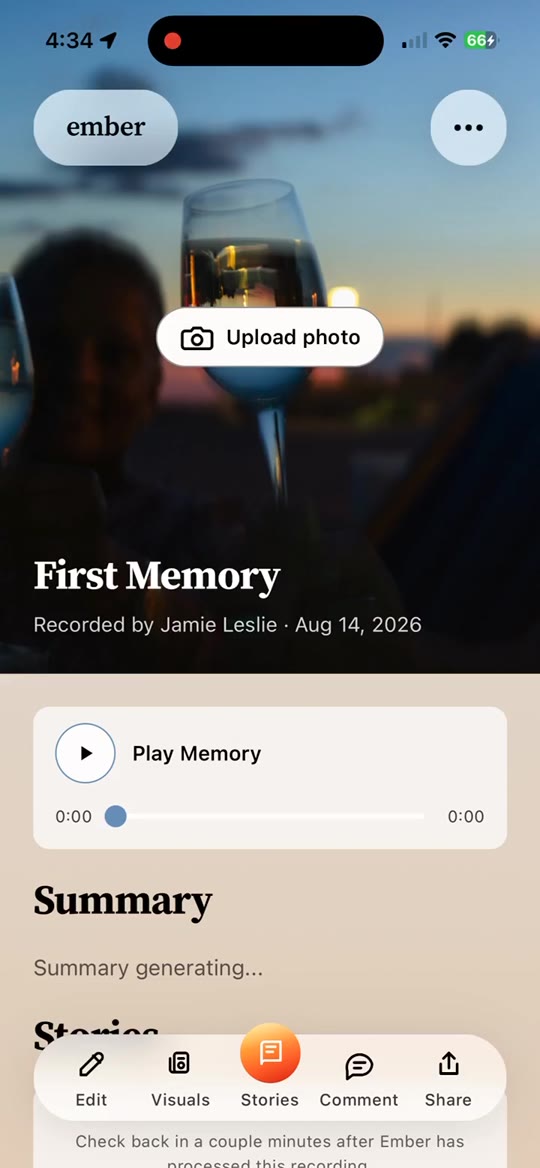
Once saved, your memory will appear in Memory Archives while we generate a transcript and a brief summary.