Inviting Others to Record a Memory
Learn how to invite people in your circles to record and share a memory about a topic.
This guide covers how to invite someone in your Ember circles to record and share a memory about a specific topic.
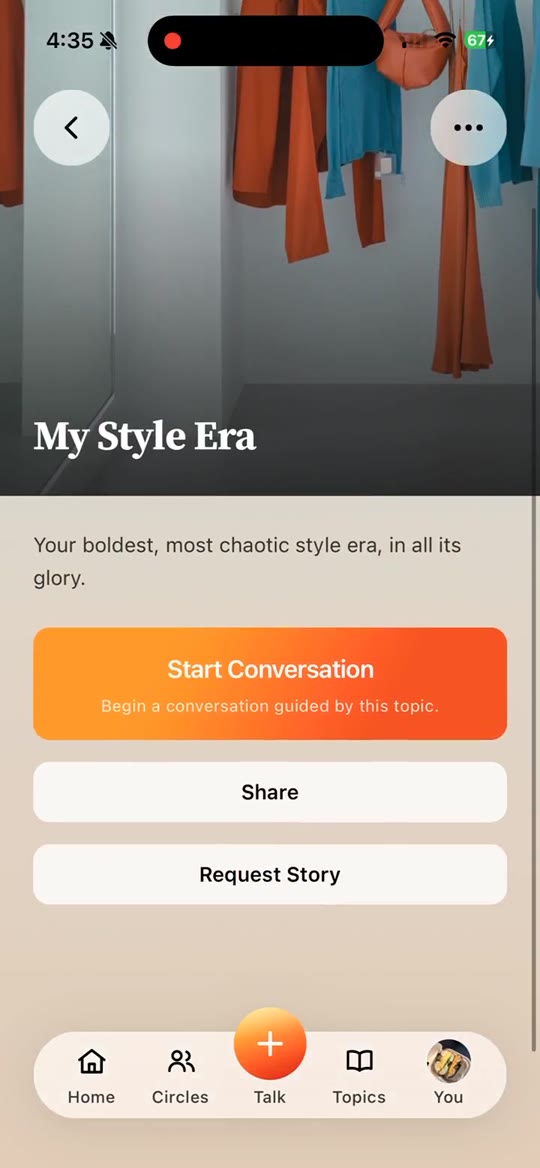
From Topics to Talk About, click on a topic you want to invite someone to. On the topic page, you'll see cards representing people in your family or circles. Each card has a button you can use to invite that person to talk about the topic. If someone has already completed the topic, the badge on their card will change, and you can click the card to go to the memory and listen, read, or generate content from it.
If you have multiple circles, you may not see everyone you expect. To switch circles, look for the circles icon in the top right and click it to expand. From there, select the circle you want to view.
To send an invite, click the invite button on the person's card. This will send a message through the channel you chose. We also recommend copying the invite link and messaging them directly. Note: the person must first accept the invite to join your circle before they can receive topic invitations. There's a separate guide that explains how to invite family and friends to your circles.
You can send reminder messages by clicking Remind if someone hasn't completed a topic yet.
To check whether anyone in your circles has invited you to record a memory, visit the Talk page, where you can see pending invitations from others.